
Your Mac sees screen fatigue
before you do.
Eye strain detection for Mac. Reads your face on-device. No timer, no cloud. Nudges you when you actually need a break.
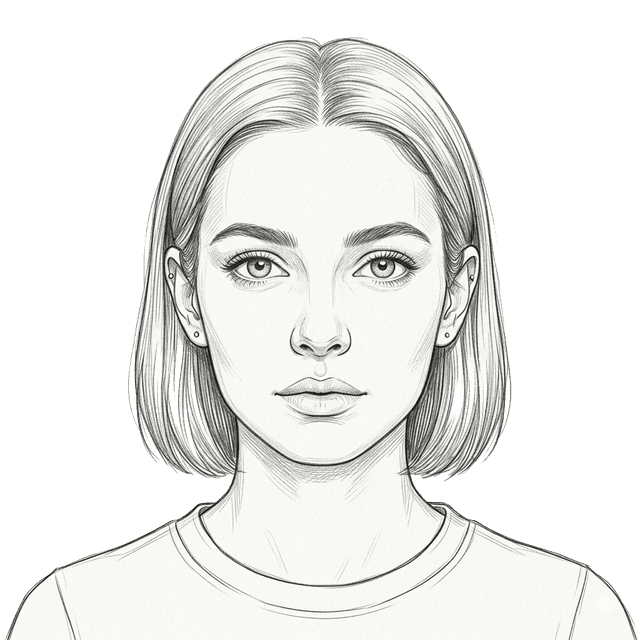
Three hours later.
Still staring.
You didn't plan to stay this long. But screens don't remind you to look away. Your eyes do — with headaches, dryness, and that familiar blur.
FacePause watches for the signals you've stopped noticing.
You've been at 31 cm for 18 minutes. Eyes need a break.
↑ This is what it does. Right when it matters.
Nothing leaves your Mac.
The camera is a sensor, not a recorder. Frames are analyzed in memory and discarded. No accounts, no telemetry, no cloud.
Verify it yourself with any network inspector. We have nothing to hide.
How it works.
Allow camera
One click. FacePause asks once, then watches quietly. Camera stays on your device.
Work normally
FacePause runs in the background. No interference. Steps back automatically during video calls.
Get a nudge
When fatigue signals build up, you get a gentle reminder. Dismiss or snooze. That's it.
"FacePause" would like to
access the camera.
See it in action.
Pause. Blink. Breathe.
Why detection beats timers.
Other break apps assume. FacePause sees.
No knock on timer apps. They work for some people. They just don't know you.
You've been staring at this screen for 0 seconds.
FacePause would've said something by now.
Get on the early access list.
Drop your email below. One message when FacePause is ready for first users — no spam, no drip campaign, no resold lists.
Questions.
No. Processing happens entirely on your device using WebAssembly. No video is recorded or transmitted. Ever.
That's Apple's hardware design — the LED is wired directly to the camera circuit. No software can disable it. This means FacePause can't secretly watch you. The light is proof it's yours.
FacePause automatically releases the camera when another app needs it. Monitoring pauses during calls and resumes when you're back.
macOS 11 (Big Sur) and later. Intel and Apple Silicon.
Email within 30 days for a full refund. No questions asked.
Mac only for now. Windows is on the roadmap.